How to cheat in Chess.com
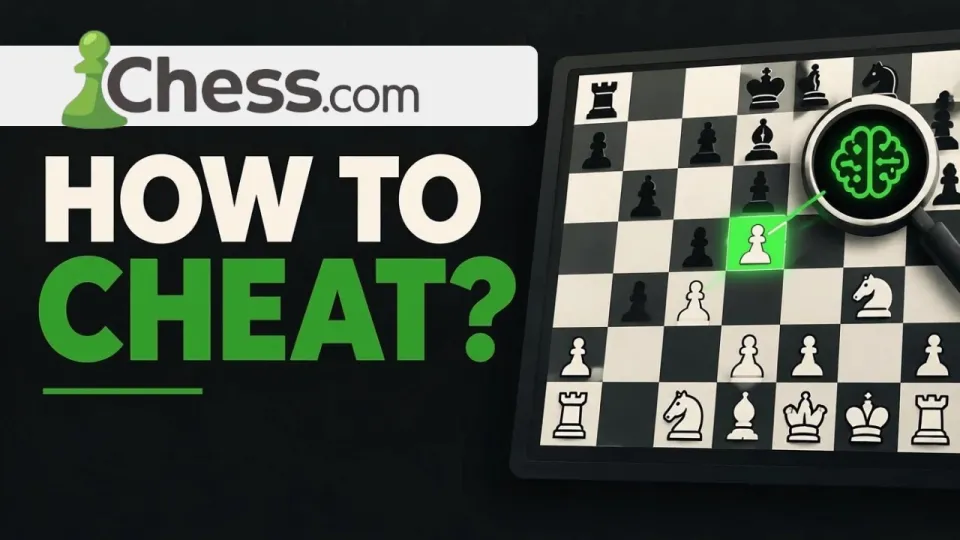
Video: How to cheat in Chess.com (Chess.com cheats)
· based on the channel Matyc
Key takeaways
- The method shown in the Matyc video is a browser userscript that overlays a chess engine on top of the Chess.com board.
- The tool is distributed through the xmods.cc page linked in the video, not through the Chrome Web Store.
- Chess.com's fair-play team reviews games with engine-correlation and move-time analysis, so an overlay does not hide the moves it suggests.
- A new account that jumps hundreds of rating points in a short session is the single most common trigger for a manual review.
- Chess.com closures are account-level: rated games are annulled, the account is banned, and the same email or device can be flagged again.
Cheating on Chess.com in the way most tutorial videos show means running a browser userscript that reads the board and overlays engine moves on top of it — the tool promoted in the Matyc video is distributed through the xmods.cc Chess.com cheat page, which hosts the script and install instructions. It is not a hidden server-side exploit: it is a piece of JavaScript injected into your own browser tab, and everything it does is visible in the moves you actually play. That distinction matters, because Chess.com's detection does not depend on catching the software — it depends on catching the chess.
What a Chess.com cheat extension actually does
A Chess.com cheat extension is a client-side overlay, and it works by reading the position from the page and querying a chess engine for a reply. The typical build in these tutorials is a userscript installed through a manager such as Tampermonkey, which is why the video's tags mention Tampermonkey alongside "chess.com cheat extension." Once installed, the script hooks into the board element, parses the piece positions after every move, sends the FEN string to an engine — usually Stockfish, either bundled in WebAssembly or reached through a remote API — and draws the recommended move as an arrow or highlight on your screen.
The practical flow looks like this:
- Install a userscript manager in the browser you play on.
- Add the script from the distribution page and confirm the permissions prompt.
- Open a Chess.com game or analysis board; the overlay panel appears next to the board.
- Set the engine depth or skill level, then play the move the arrow suggests.
Nothing in that chain touches Chess.com's servers. The engine runs on your machine or on a third-party endpoint, and the only trace left behind is the sequence of moves you chose to play.
Why the overlay is easier to detect than it looks
Chess.com's anti-cheat is statistical, not signature-based, so it does not need to find the script on your computer to conclude that you used one. The fair-play team compares your moves against engine evaluations and looks at how often your choice matches the engine's top line, how that match rate changes when the position gets sharp, and how long you take on critical moves versus obvious ones. A player who suddenly finds the only winning resource in a complex middlegame in four seconds, repeatedly, produces a pattern no human produces.
The second signal is rating trajectory. A fresh account that gains several hundred points in a short session, or an established account that starts converting lost positions at a rate far above its history, gets queued for manual review. Chess.com has publicly described using both automated engine-correlation reports and human reviewers, and closures are issued in batches after review rather than instantly mid-game — which is exactly why cheaters often believe the tool is undetected right up until the ban email arrives.
A third, less discussed signal is account-level: device fingerprints, IP addresses, payment details and email patterns link accounts. Getting one account closed for fair play often puts related accounts under closer scrutiny.
What happens when Chess.com catches you
A confirmed fair-play violation on Chess.com results in the account being closed, and the consequences go beyond losing access. Rated games played while cheating are annulled, which means opponents get their rating points restored and your results are stripped from the pool. The account cannot be recovered, and creating a new one with the same identity is itself a violation that tends to end the same way.
For players who care about the ladder at all, the math is poor: the rating you gain from an engine is not a rating you can defend once the overlay is gone, and the review window can reach back through months of games. Titled players and streamers have been publicly flagged under the same system, so a hobby account is not below the threshold.
Typical questions from people trying these tools
The most common confusion in the comments under this kind of video is about activation during a live game — whether the overlay appears automatically or has to be toggled. In practice the panel usually shows up only on game and analysis pages, and it needs a refresh after installation; if it does not appear, the script is either blocked by the browser, installed in the wrong profile, or the userscript manager is disabled.
The second recurring issue is availability: distribution pages for these scripts move, get taken down, or change domains, so a link that worked last month may 404 today. The third is trust — userscripts run with broad permissions on the site you are visiting, which means the script author can read page content and, depending on the grants requested, more. Installing one from an unfamiliar page is a security decision as much as a chess one.
Safer ways to get the same improvement
If the goal is a higher rating rather than the thrill of beating the system, the engine can be used legally and it works better. Chess.com's own analysis board and Game Review run engine evaluation on your finished games, showing exactly where your move diverged from the best line. Opening explorers and puzzle modes drill the same pattern recognition that a cheat overlay skips entirely.
A workable routine: review every loss with the engine, write down the one move where the evaluation swung most, and drill that motif in puzzles before the next session. Players who do this improve their actual calculation, which is the only rating that survives a fair-play review.
Links from the video
- https://xmods.cc/item/9 — the distribution page for the Chess.com userscript shown in the tutorial
Summary
The method covered by Matyc is a userscript overlay that feeds engine moves onto the Chess.com board, and it leaves the one trail Chess.com actually reads: the moves themselves. Engine-correlation analysis, move-time patterns and sudden rating jumps are enough for a manual review, and a confirmed violation means a closed account with annulled games. The channel's walkthrough explains the installation, but the risk it skips is the part that costs people their accounts. If you want to look at the tool yourself, the xmods.cc item page is where the video points.
Questions & answers
How do I actually use the cheat during a game?
Install the userscript in a manager like Tampermonkey, then reload the Chess.com tab. The overlay panel appears on game and analysis pages and draws the engine's suggested move as an arrow. If nothing shows up, the script is usually disabled or installed in a different browser profile.
Does Chess.com's anti-cheat detect browser extensions?
It does not need to. Detection relies on comparing your moves with engine evaluations, checking how long you take on critical positions, and watching rating trajectories. A script that never touches the servers still produces moves that look like engine output.
What happens if my account gets closed for cheating?
The account is banned and rated games played during the violation are annulled, restoring points to your opponents. Creating a replacement account with the same identity is itself a violation and is typically closed as well.
Is the download link safe to use?
Userscripts run with wide permissions on the pages they are active on, and distribution pages for these tools change domains or disappear regularly. Treat an unfamiliar script page as a security risk and check what permissions the script requests before installing.
Source: How to cheat in Chess.com (Chess.com cheats) · Markdown version